
Local API
Curlo provides a local HTTP API that allows you to integrate its search and asset management capabilities into your own tools and workflows — all running entirely on your machine.
Enabling the API
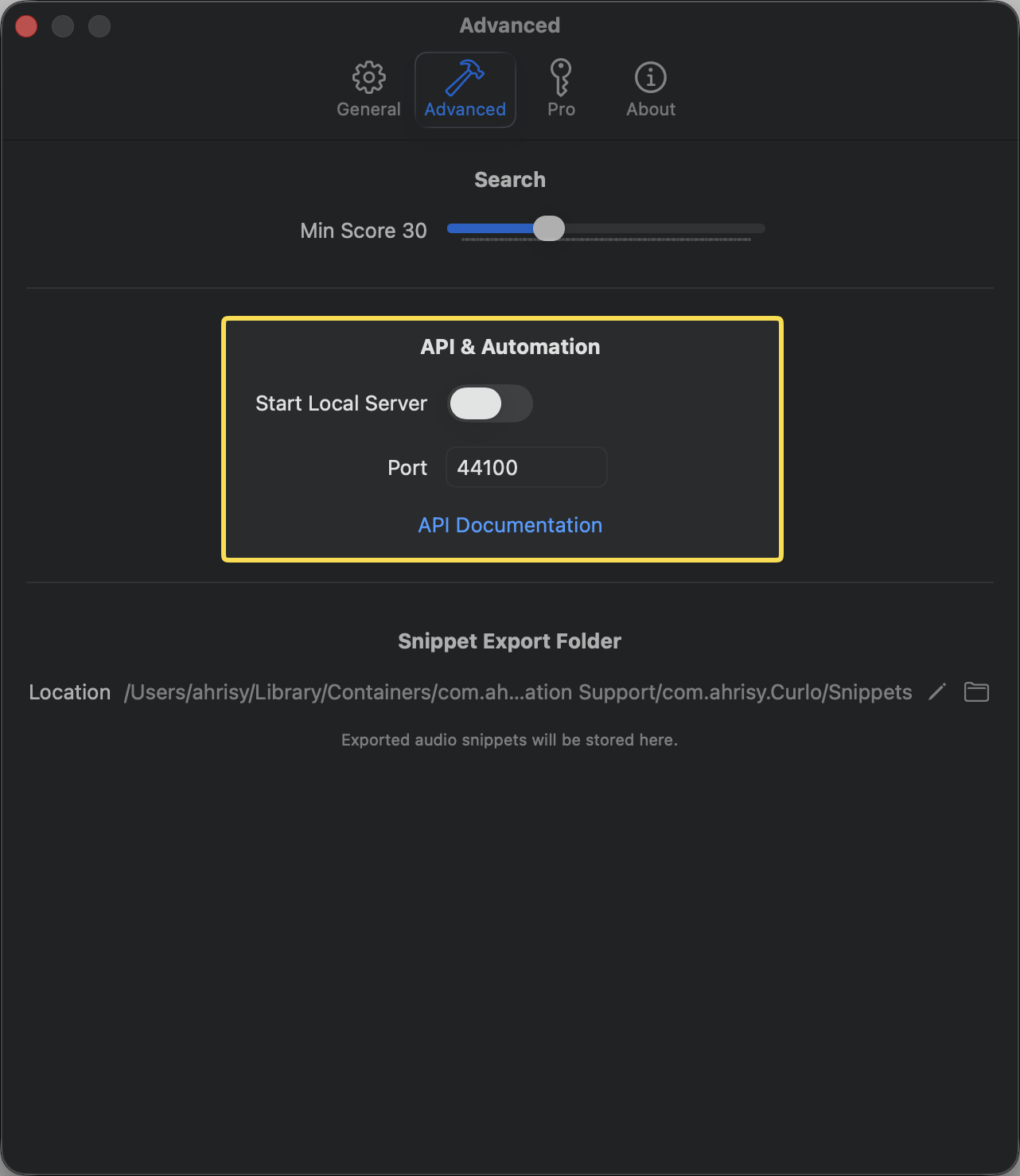
- Open Settings from the macOS menu bar or press
Cmd+,. - Navigate to the Advanced tab.
- Toggle Start Local Server.
- The API will be accessible at
http://localhost:44100by default. You can change this port number if needed.
Authentication & Network Access
By default, the local API requires no authentication. For security reasons, it is strictly bound to your local machine (localhost) and cannot be accessed by other devices on your network.
Exposing the API to your Local Area Network (LAN):
If you need to access the API from other devices on your network (e.g., controlling Curlo from a tablet or a secondary computer), you will need to manually configure your network environment, such as setting up a reverse proxy or port forwarding.
⚠️ Security Warning: Because the API does not have built-in password or token authentication, exposing it to your LAN means anyone on the same network can query your audio library. If you choose to do this, we highly recommend:
- macOS Firewall: Navigate to System Settings > Network > Firewall and configure your rules to ensure only trusted IPs can access the API port (default:
44100).- Reverse Proxy: Use a reverse proxy server (like Nginx or Caddy) to expose the service and add a layer of HTTP Basic Authentication.
Endpoints
| Method | Path | Description |
|---|---|---|
GET | / | Service info & endpoint discovery |
POST | /search | Search the audio library with filters |
GET | /asset | Retrieve full details for a single asset |
POST | /tag | Create a new tag |
💡 Path aliases: Every endpoint is also available under the
/apiprefix (e.g./api/search,/api/asset,/api/tag). Both forms are equivalent; the prefix is kept for backward compatibility with early scripts.Method note: Sending a GET to
/searchreturns405 Method Not Allowed— search must use POST with a JSON body. Openinghttp://localhost:44100/in a browser is a quick way to confirm the server is running.