
UCS Classification
The Universal Category System (UCS) is an open, industry-standard taxonomy for organizing sound effects. Curlo provides full UCS support for categorizing your audio library.
Understanding UCS
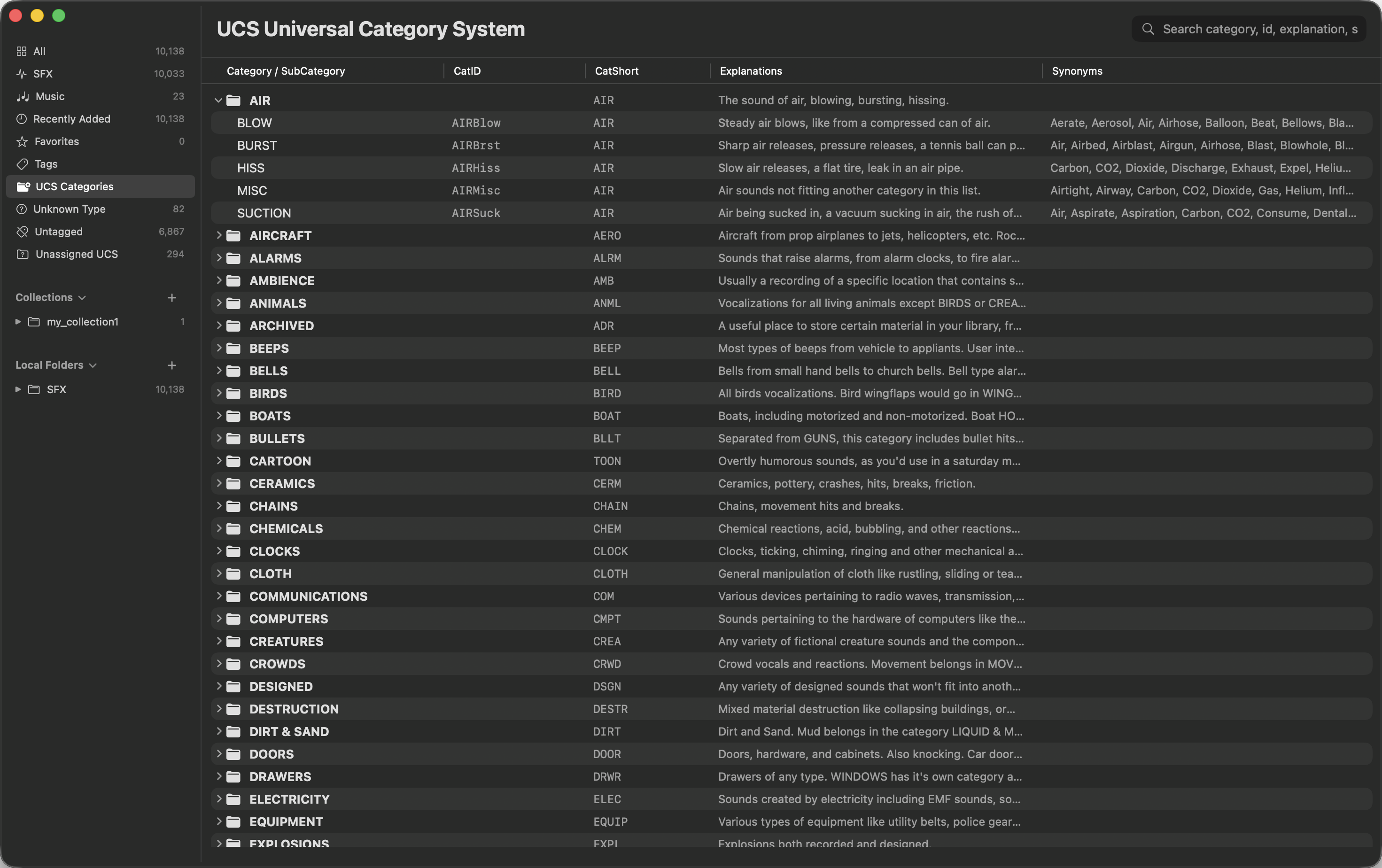
UCS organizes sounds into a structured system consisting of Categories and SubCategories. This helps keep sound libraries organized consistently across the industry.
Assigning & Modifying UCS
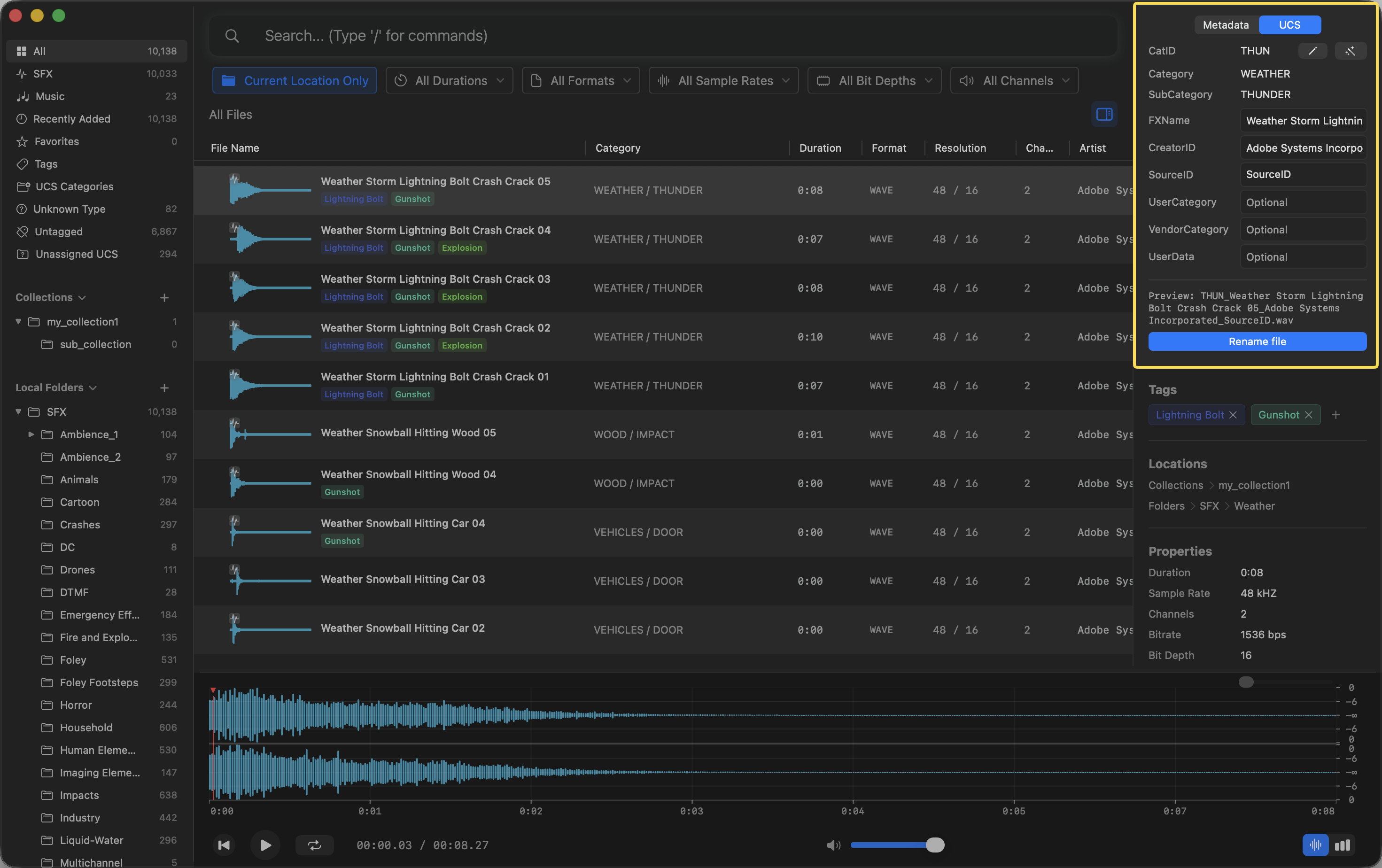
You can view and modify the UCS Category and SubCategory of your assets:
- Select an audio file in the asset list.
- Open the UCS tab in the right Inspector panel.
- You can manually search and select the appropriate Category and SubCategory, or autofill from metadata.
- You can also rename the original file to follow the UCS naming convention by clicking the Rename file button at the bottom of the section.
Automatic Inference
Curlo Pro users can use AI to automatically infer the best UCS category based on the file’s metadata and semantic content:
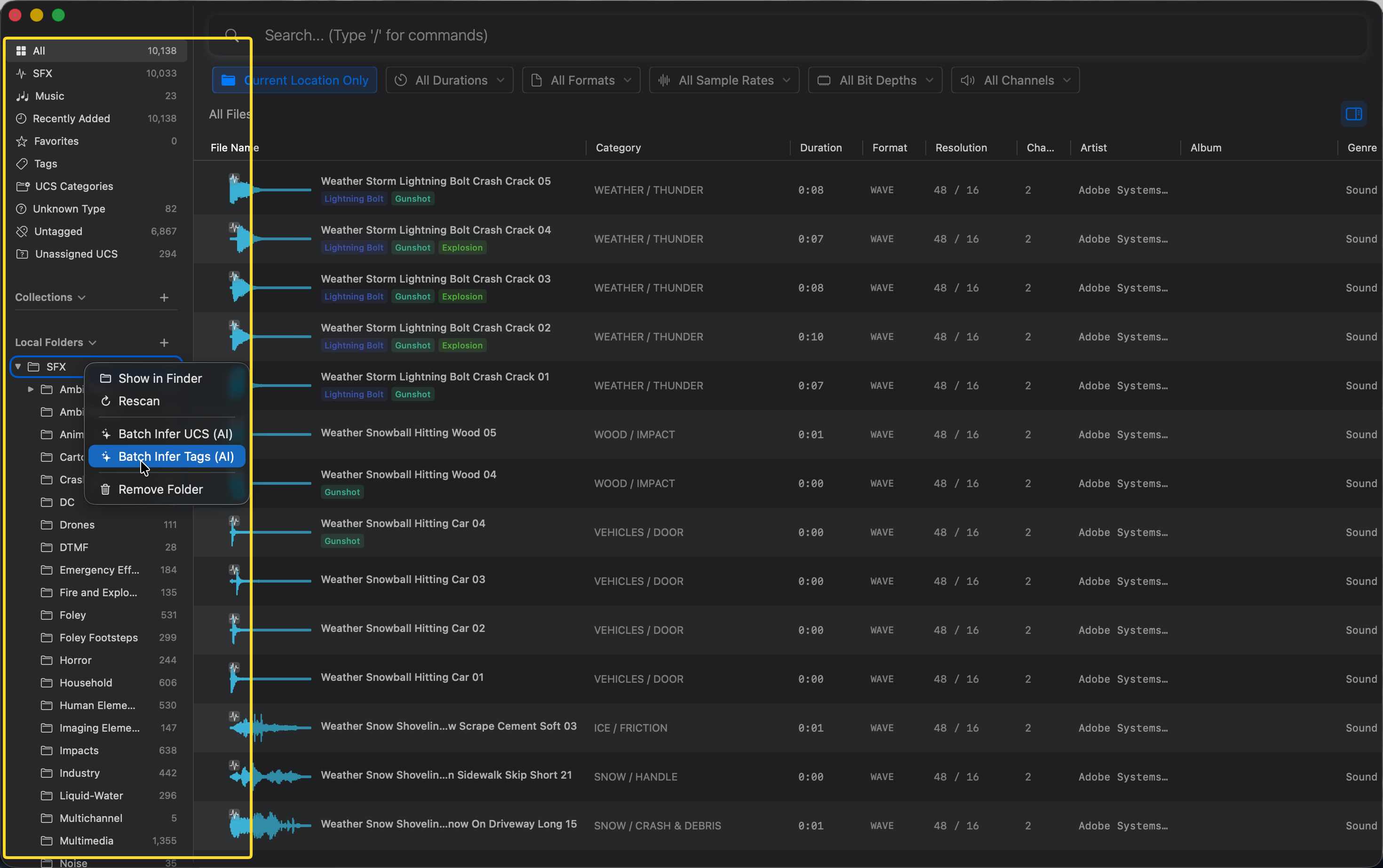
- In the left Sidebar, right-click on any Folder, Collection, or built-in Group.
- Choose Batch Infer UCS (AI) from the context menu.
- Curlo will analyze all files within the selected group and assign appropriate UCS categories.
Filtering by UCS
To filter your library by UCS Category or SubCategory:
- Type
/ucsin the search bar. - Enter the CatID, Category or SubCategory you’re looking for (e.g., “AIRBlow” or “Dog”).
Alternatively, you can quickly filter by double-clicking any UCS category in the UCS table.